
Instructor-Led Course
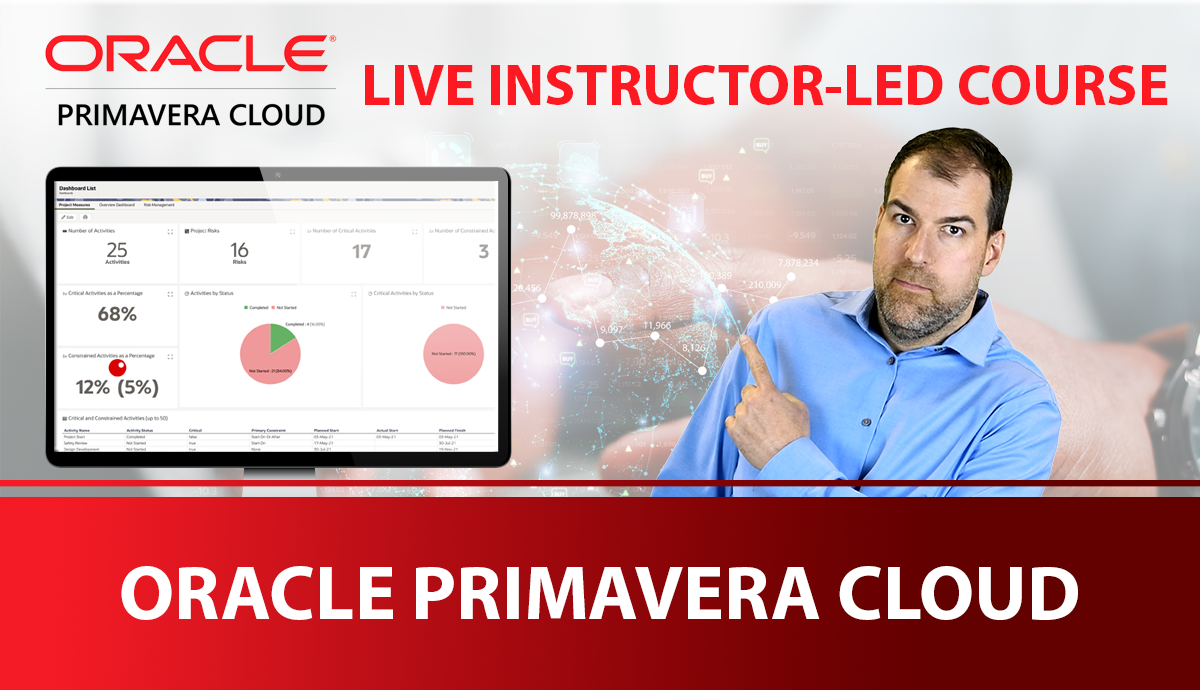
Oracle Primavera Cloud for Project Controls
Master OPC like an Operating System
This course focuses on learning & understanding the foundations of OPC for most users. Dive into scheduling, resources, risk, reporting and the differences between OPC and P6.
Starts November Fri 20th - Sat 21st
$1497 USD
(or Join waitlist for future dates)
Max 10 Learners
Small group, real feedback.
14 PDUs
Two full days of live, interactive training.
OPC License Included
Access to OPC provided during the course.

2026 Course Dates & Times
NOVEMBER
FRI Nov 20th - SAT Nov 21st
9AM - 5PM EST
FEBRUARY
FRI Feb 19th - SAT Feb 20th
9AM - 5PM EST
MAY
FRI May 21st - SAT May 22nd
9AM - 5PM EST
SEPTEMBER
FRI Sept 24th - SAT Sept 25th
9AM - 5PM EST
Get notified when future cohorts open
Join the waitlist. We will notify you when enrollment opens for next cohort. Future cohorts will be in February, May, and August.
About OPC for Project Controls
Oracle Primavera Cloud for Project Controls is an instructor-led online course designed for project controls professionals who need to become confident and job-ready in OPC - fast. You’ll learn through engaging live instruction, hands-on exercises, and real-world scheduling scenarios, with plenty of time for Q&A so you don’t get stuck trying to figure it out alone.
If you want to transition from desktop scheduling to cloud-based collaboration without losing project controls rigor, this cohort is built for you.
Cohort Size
Up to 10 learners
Your Instructor
Michael Lepage
Live Training
2 Days - 14 PDUs
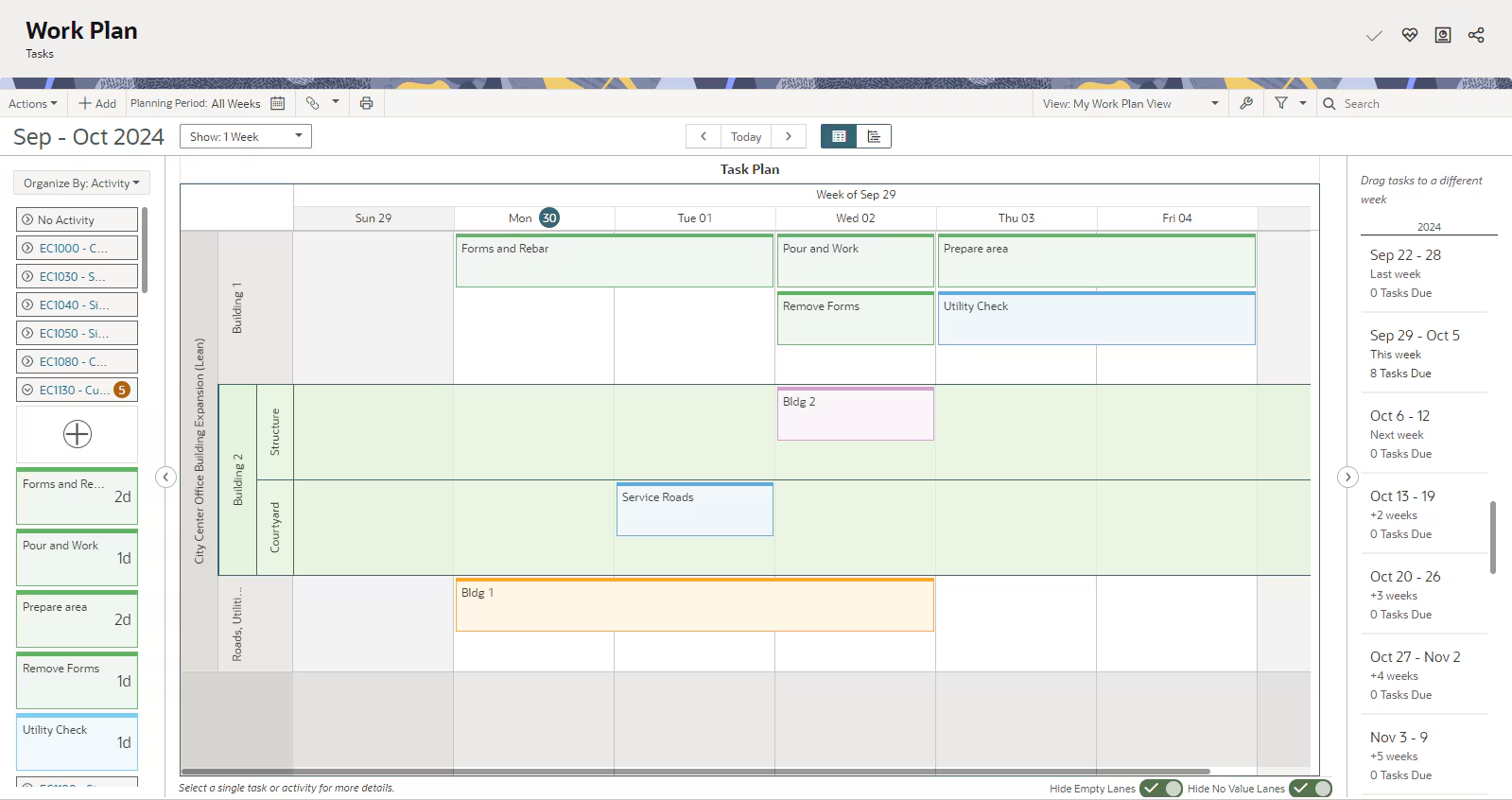
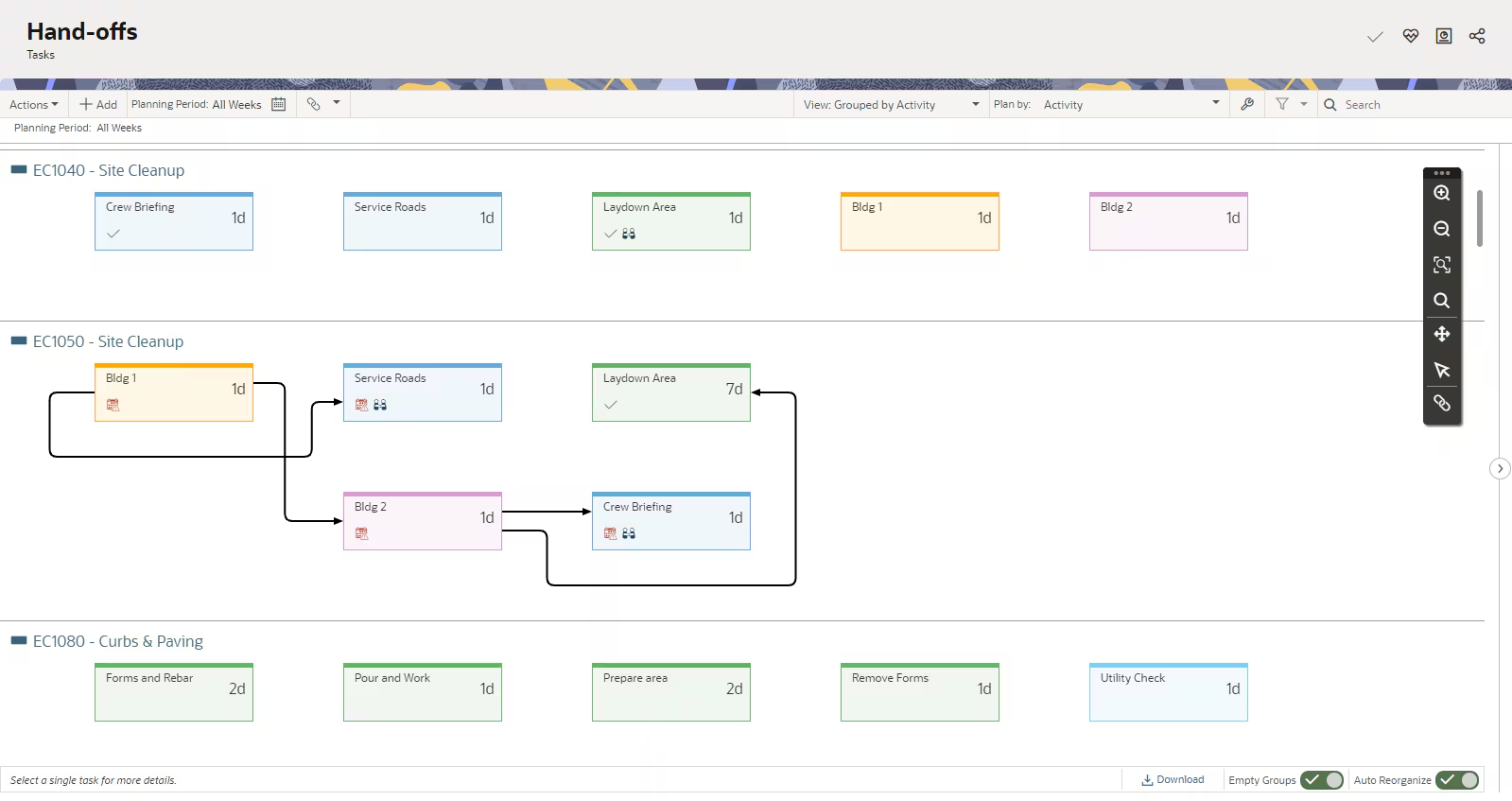
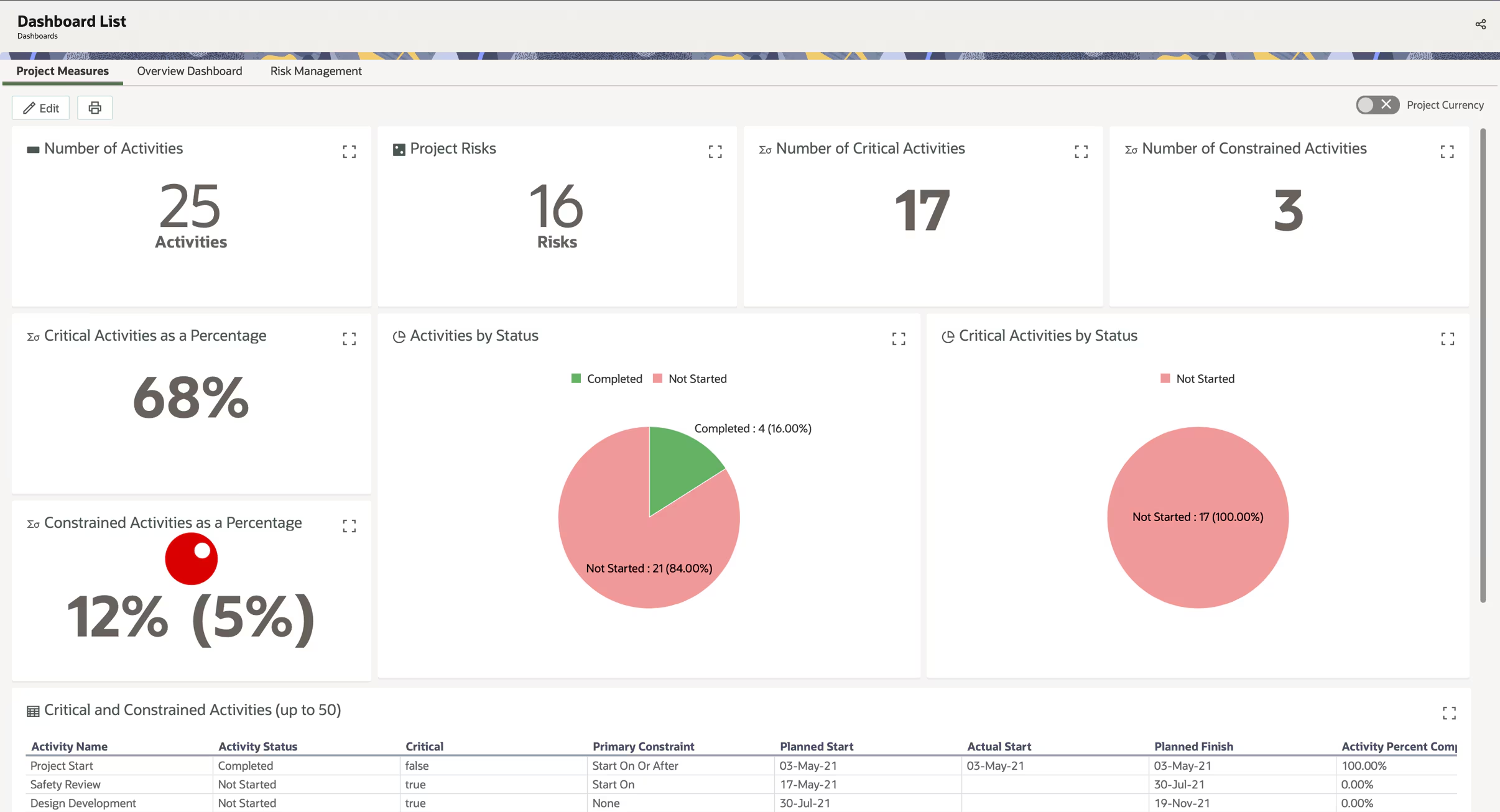
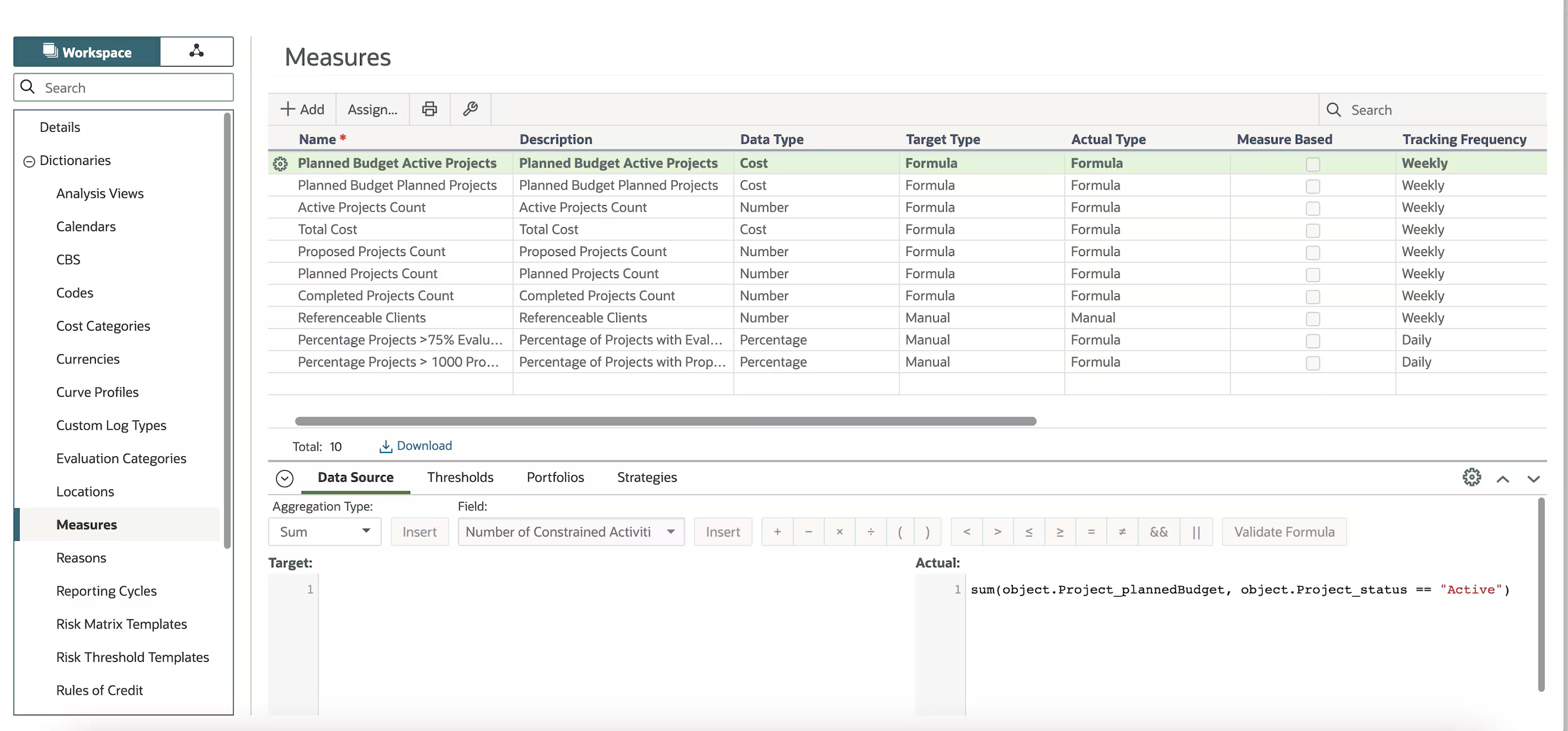
What you'll learn
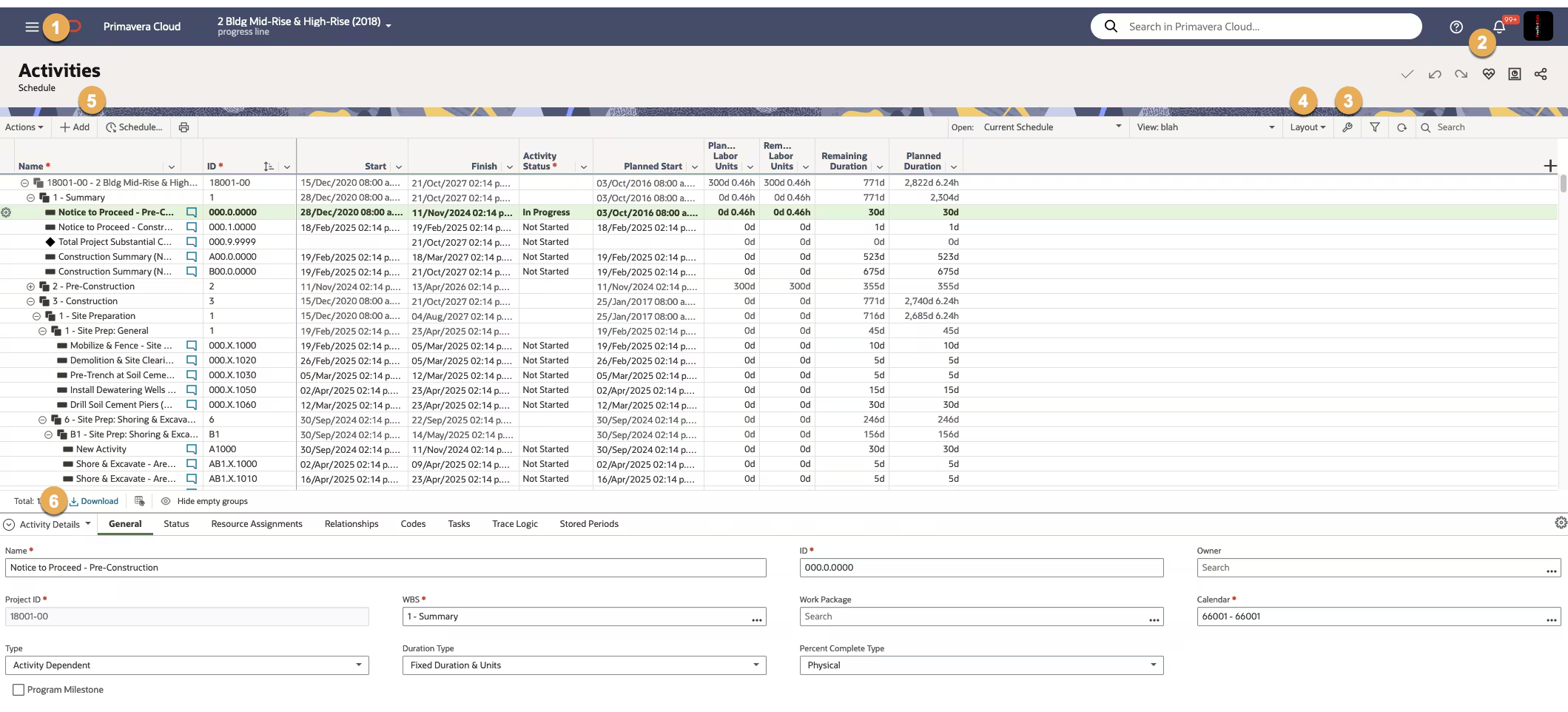
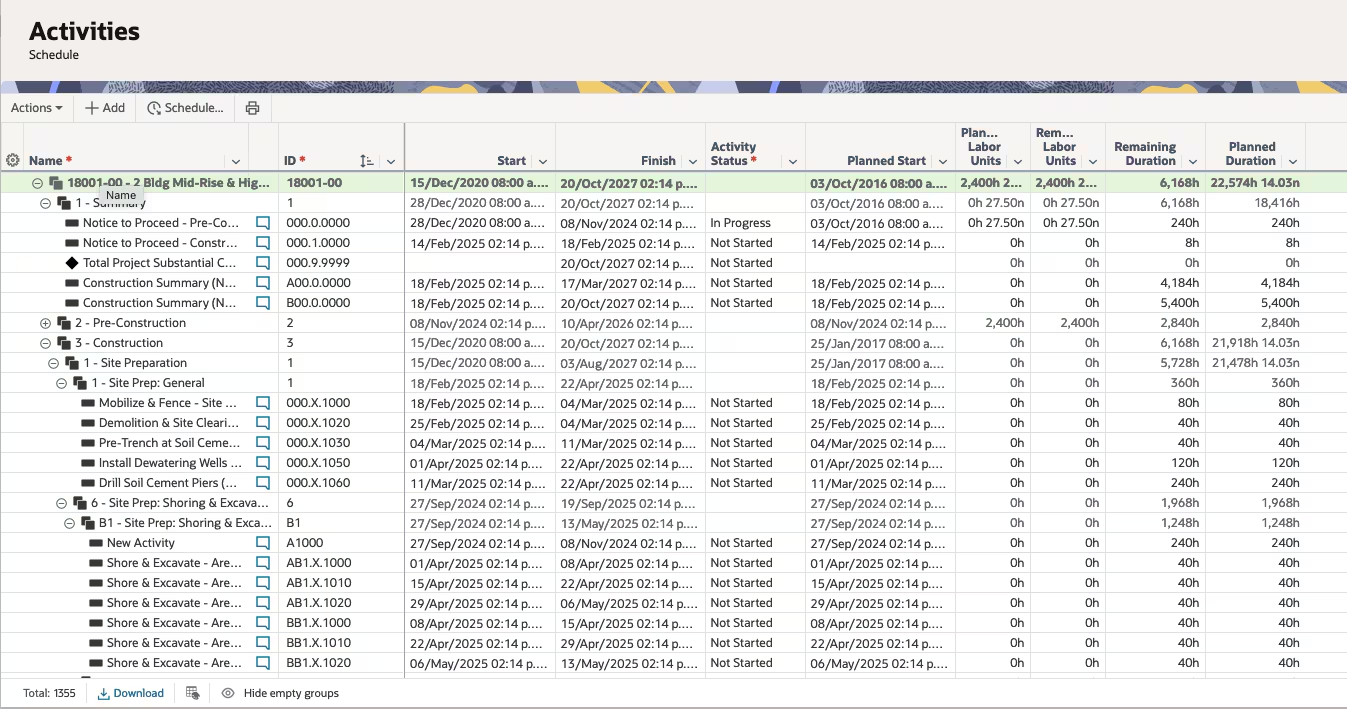
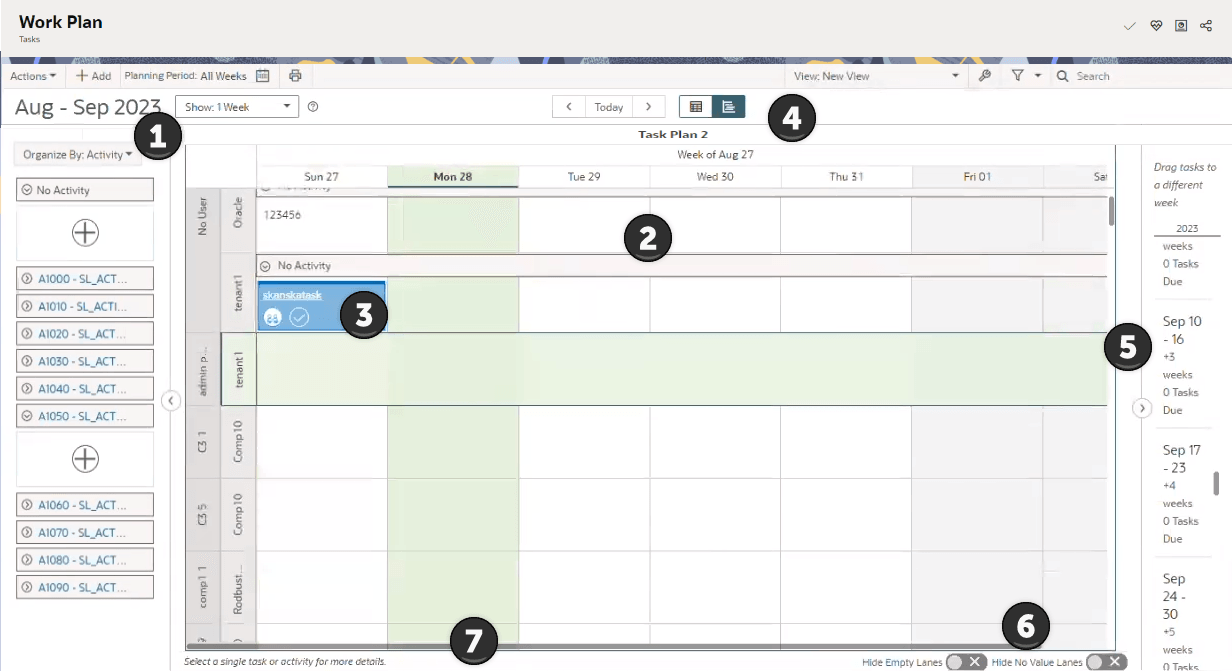
We built this course to close the gap between "I know where the buttons are" and "I can run OPC on a real project and get buy in."
Course outline
This cohort is built around outcomes: adoption, building, analysis and reporting.
Your Instructor
About
Michael Lepage
CEO, CLO - Plan Academy Inc.
Michael is the founder of Plan Academy. He is a long-time project management advocate with a passion for technology. In 2013, Michael started Plan Academy out of a passion to want to help users world-wide with project controls and project scheduling. To date, Plan Academy has trained 1000s of students on project controls, CPM scheduling and proper practices for project success.

Who this course for
Most OPC training stops at navigation and features. This cohort is built for people who need OPC to work in the real world.
If this sounds familiar, you're in the right place:
Bottom line
You'll learn how to run OPC like a project controls operating system - so it supports decisions, governance, and stakeholder communication.
Frequently Asked Questions
Quick answers before you join the cohort.
It’s built for people who are new to Oracle Primavera Cloud, not necessarily new to project controls. If you understand basic scheduling concepts like WBS, activities, and critical path, you’ll be able to follow along. Experience with Primavera P6 is helpful but not required. We start with navigating the interface and build up to scheduling, resources, and reporting through hands-on exercises in your own OPC environment.
Each cohort is capped at 10 students. That keeps sessions interactive and lets the instructor give you individual attention during live exercises. The cap also matches the 10 Oracle Primavera Cloud licenses we provide for each cohort, so every student has their own seat.
We provide an OPC license for every student for the duration of the course, so you can practice hands-on in a live environment without needing access through your employer. Login instructions are sent before the first session.
Yes, you receive a Plan Academy Certificate of Completion at the end of the course. The course qualifies for 14 PDUs.
Yes, we prefer participants to have their cameras on for better engagement and interaction with the instructor and other participants.
Yes, course sessions are recorded and you will have access to the recording and course materials for 12 months from the course start date.
We understand that our live courses may not be the right fit for everyone. That's why we encourage you to:
- Review the course outline
- Read our course reviews from previous students
- Ask us questions about the course by email to info@planacademy.com
You can request a cancellation & refund up to 1 hour before the first live session starts.
Once the course has started, unfortunately no refunds will be issued.
Get notified when future cohorts open